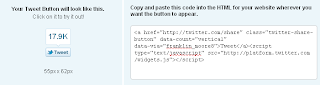
Add a tweet button in your blog.
Adding the Tweet button to your blog is a very simple process. Just navigate to the Tweet button page, and then follow these steps:
Step-1
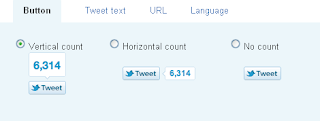
There are three options for button layout, two of which include the tweet count. Select anyone one button for add blog.
Step-2
This is completely new – after people use the Tweet button on your site, they will see who you’ve recommended they follow. The first account you should list is your own Twitter account; then you can also add another account to recommend. Perhaps in this space, you could add your company’s Twitter handle, an official blog Twitter handle, or a coworker/mentor. Or leave it blank.

Step-3
Copy this HTML code